The DenAdvisor App for Customers and Staff
Customers get one wallet for loyalty cards, rewards and local deals. Your team gets a scanner to add punches and redeem coupons at the counter. Same app, two modes.
Free for customers · Staff mode included with a DenAdvisor business account
For Customers: Your Local Loyalty Wallet
Everything from the local businesses you visit, in one free app.
Discover nearby businesses
Find local businesses that use DenAdvisor near you.
Browse and claim deals
See public deals from local businesses and claim them with your free account.
One wallet for cards and rewards
Keep every loyalty punch card and earned reward in one place, instead of a stack of paper cards.
Digital punch cards
See how many punches you have and how many you need for the next reward.
Savings total
See how much you have saved with coupons and rewards.
Leave feedback
Rate a visit and leave feedback from the app. You always see the business’s public review link too.
Push notifications
Get notified when you earn a reward and before a reward expires.
Passwordless sign-in
Sign in with just your email address. No password to remember.
Visit Status Levels and Badges
For each business you visit, the app shows a status level and achievement badges such as First Visit, Feedback Given, Loyal Customer and Regular.
- New VisitorYour first visit
- Bronze3+ visits
- Silver5+ visits with a loyalty card
- Gold10+ visits with a completed card
- VIP15+ visits
Levels and badges are recognition only. There are no points, and a level does not unlock rewards by itself. Rewards come from the punch cards and coupons each business sets up.
Honest Feedback, Every Rating Welcome
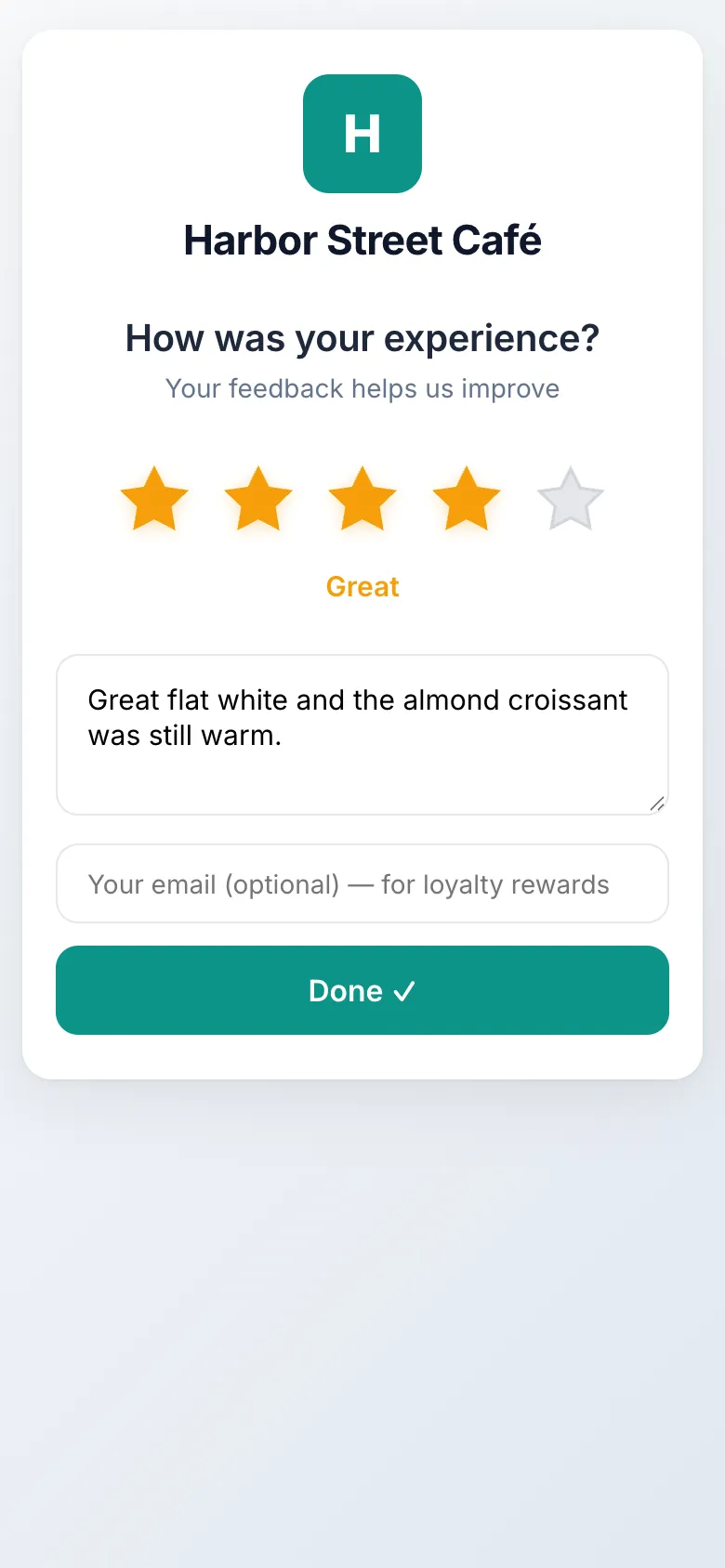
Customers can rate a visit from the app or by scanning the business's QR code in any phone browser. Whatever the rating, they see the business's public review link. Customers who rate 1–3 stars can also send a private note so the business can make it right.
- Every customer sees the public review link
- Rewards for feedback never depend on the rating
- Rewards are never for posting on Google
Read how this works in our trust & review policy.
For Your Team: Staff Mode
Turn any phone into an in-store scanner. Staff see only the businesses they are assigned to.
Switch to staff mode
Business owners and team members sign in and open staff mode on their own phone. No extra hardware is needed.
Scan the customer’s card
Scan the customer’s loyalty card QR code to add a punch. Customers cannot punch their own cards, and an optional cooldown stops repeat punches.
Redeem coupons at the counter
Scan or enter a coupon code to redeem it. Every code is single-use and verified at redemption, and the customer gets a receipt email.
Staff mode also includes an Operations page for in-store tasks. Team roles depend on your plan: Starter is owner-only. See plans and pricing.
Frequently Asked Questions
Is the DenAdvisor app free?
Yes. The DenAdvisor app is free for customers on iOS and Android. Businesses pay for a DenAdvisor subscription; staff mode is included in the same app.
Do customers need the app to leave feedback or join a punch card?
No. Customers can scan a business’s QR code and leave feedback in their phone’s browser without downloading anything. The app adds a wallet for all their cards and rewards, deals, and push notifications. Claiming a public deal does need a signed-in app account.
What do the visit status levels mean?
Status levels (New Visitor, Bronze, Silver, Gold and VIP) and badges show how often you visit each business. They are recognition only: there are no points, and a level does not unlock rewards by itself. Rewards come from the punch cards and coupons each business sets up.
How do staff add punches and redeem coupons?
Staff open staff mode in the DenAdvisor app and scan the customer’s loyalty card to add a punch, or scan or enter a coupon code to redeem it. Staff only see the businesses they are assigned to.
Can I delete my account?
Yes. You can delete your account from the app’s settings, and the deletion is immediate. Records a business keeps about your visits, such as feedback you gave them, stay with that business until it deletes them or you ask us to.
Run a Local Business?
Set up feedback, punch cards and coupons, then give your team the scanner.
14-day free trial, no credit card required