Customer Feedback and Loyalty for Auto Repair Shops
Ask every customer how the job went when they pick up their car, invite all of them to review you on Google, and reward the routine maintenance that keeps them coming back.
14-day free trial, no credit card required
Where DenAdvisor Fits in Your Shop
Ask at vehicle pickup
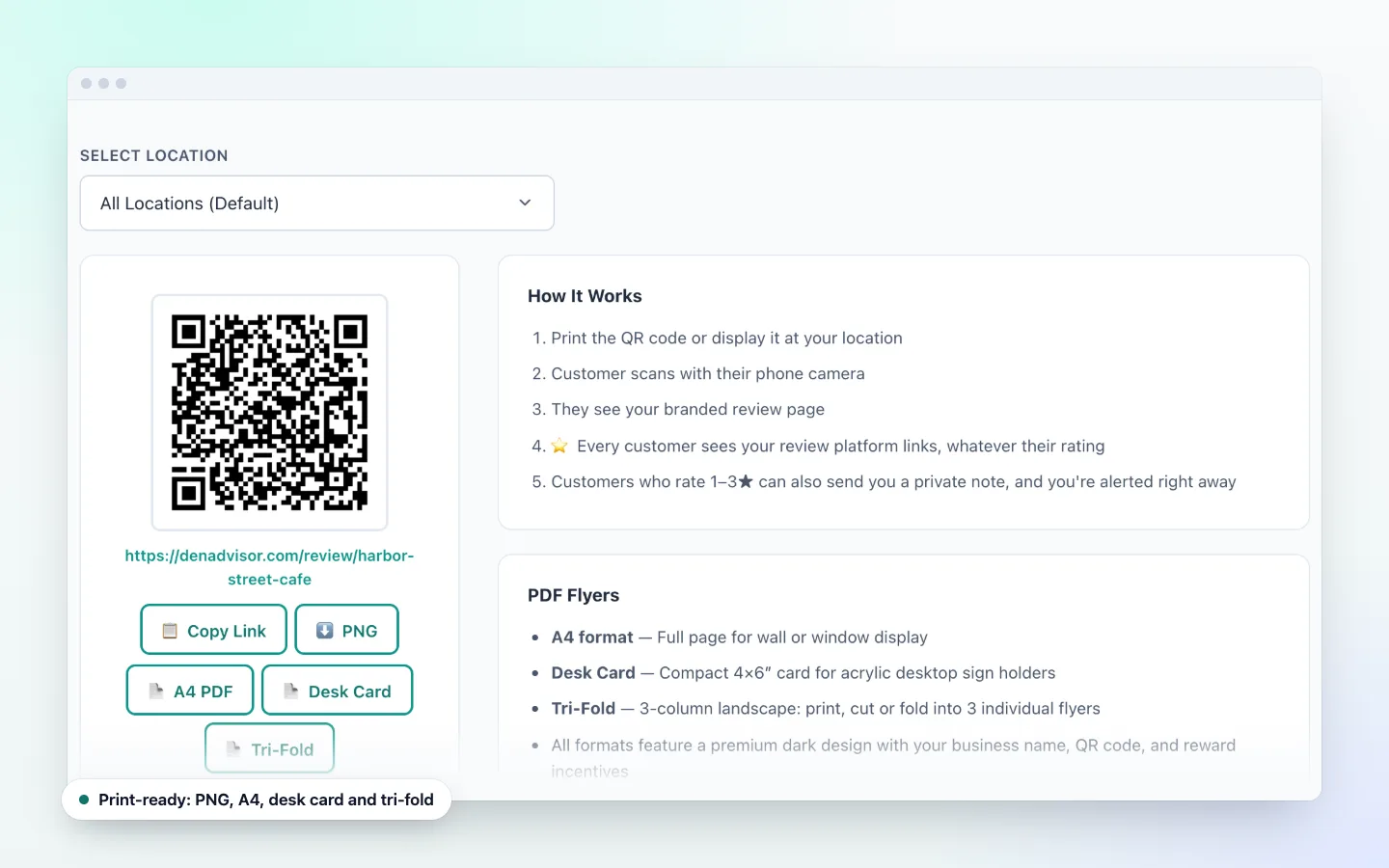
The best moment to ask is when the customer gets their keys back and has seen the work and the bill. Hand them a key tag or point to the counter sign with your QR code.
QR code on the invoice
Add your print-ready QR code image to your invoice template or work order, so customers who pay and leave in a hurry can rate the job later from home.
A flyer in the waiting area
Print the PDF table flyer for the waiting room or service counter. Customers scan with their phone camera, with no app to download.
Catch problems before the next visit
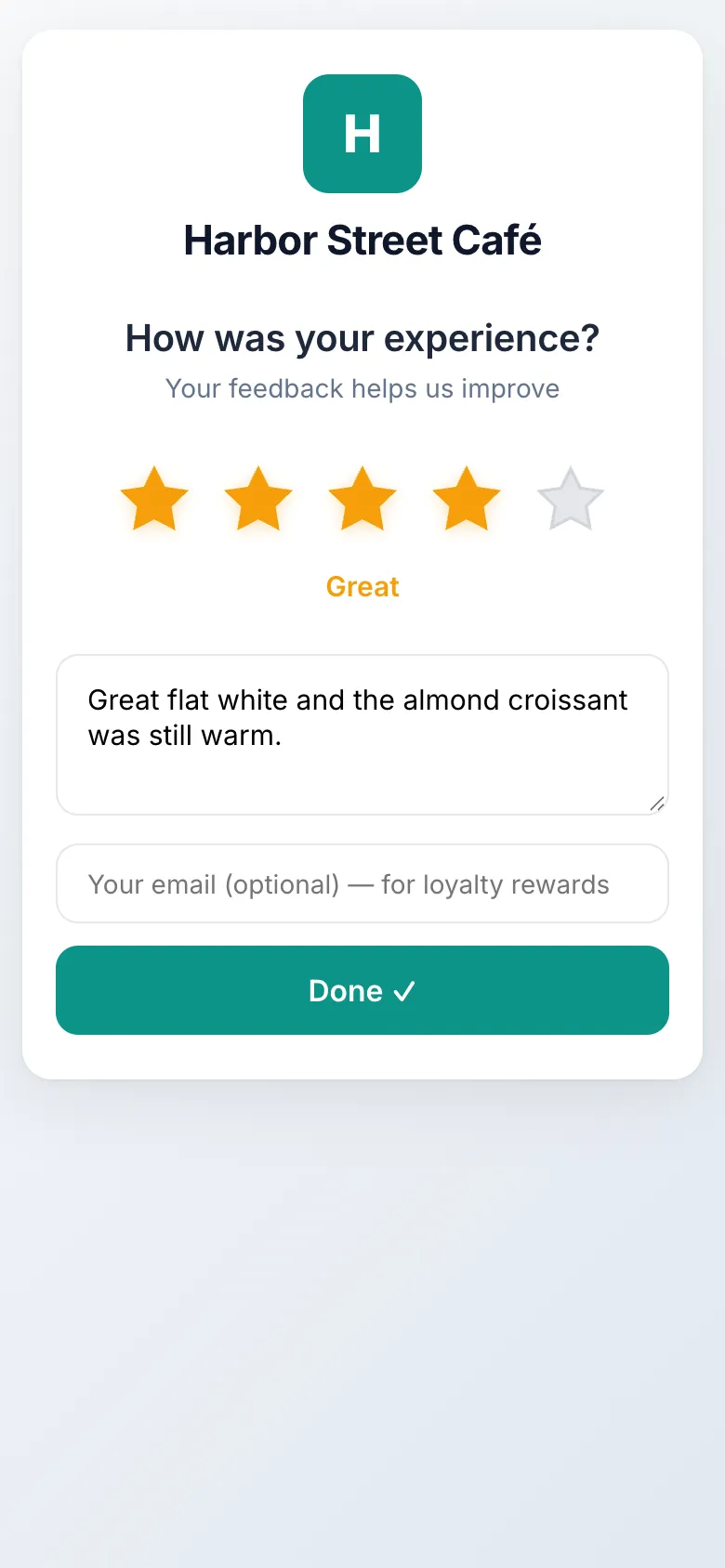
If a customer rates the job 1–3 stars, you are alerted right away and they can send you a private note, for example about a noise that came back.
Reward routine maintenance
A punch card for oil changes, tire rotations or inspections gives customers a reason to come back to you instead of the quick-lube down the road.
Win back customers who drifted
Your At-risk segment shows customers who have not been back. Send them a Win-Back or Seasonal email, such as a winter-prep check.
More Reviews, and a Heads-Up When a Job Went Wrong
After every job, customers rate the visit in seconds and get a one-tap link to review your shop on Google. If something went wrong, you hear about it first.
- Customers who rate 1–3 stars can also send a private note to the shop
- You are alerted right away, by push or email, so you can follow up
- Say thanks for feedback with a coupon or a free item
Loyalty and Coupon Ideas for Auto Shops
- A free oil change or tire rotation after a set number of paid services
- A dollar-off coupon on the next visit for the New segment, to turn a one-time repair into a regular customer
- A Seasonal campaign before winter or summer road-trip season
- Coupon limits and expiry dates, so a promotion cannot run past what you planned
- A cooldown between punches, so one visit earns one punch
The Service Counter Workflow
Customer pays and picks up the car
They show their punch card or coupon on their phone.
Service advisor scans it in staff mode
The DenAdvisor app adds a punch or redeems the coupon. Each coupon code is single-use and verified at the counter, and the customer gets a receipt email.
Hand over the keys and the QR code
A key tag or invoice QR code lets the customer rate the job whenever suits them.
Frequently Asked Questions
When should an auto shop ask for feedback?
At vehicle pickup, when the customer has the car back and has seen the invoice. A QR code on the counter, key tag or invoice lets them rate the job on their phone in seconds, or later at home.
Can I take a few dollars off the bill for a Google review?
You can thank customers with a reward when they share feedback through DenAdvisor, and every customer sees your Google review link.
What if a customer is unhappy with a repair?
Customers who rate 1–3 stars still see your public review link and can also send you a private note. You get an alert right away so you can call them and offer to recheck the work. They stay free to post publicly.
Does DenAdvisor connect to my shop management software?
No. DenAdvisor does not integrate with point-of-sale or shop management systems. You add the QR code to your invoices and counter, and your team scans loyalty cards and coupons in the DenAdvisor app.
Can my service advisors scan cards and redeem coupons?
Yes, on plans that include team members. Give them the Staff or Manager role and they can use staff mode in the DenAdvisor app for the businesses they are assigned to. The Starter plan is owner-only.
Turn One-Time Repairs into Regular Customers
Set up feedback, a QR code for your invoices and a maintenance punch card today.
14-day free trial, no credit card required